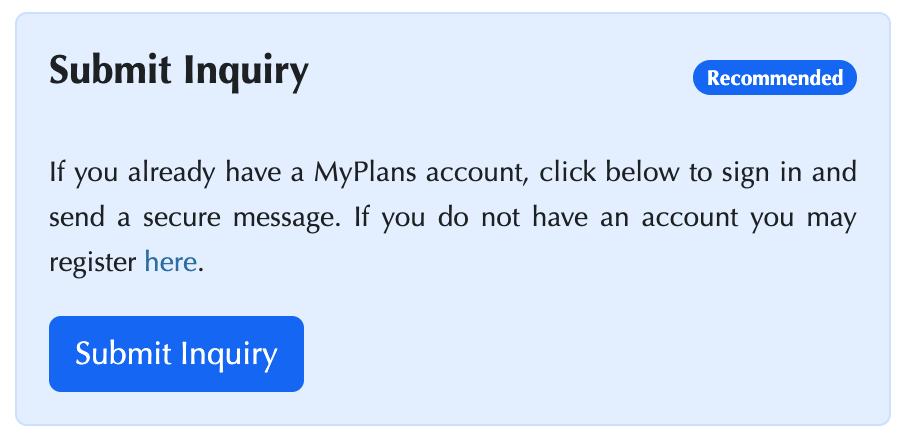
Worried about whether or not a medical bill has been properly paid? Want to know whether the Plan has received contributions from your recent work? Something else? Now there is a faster, better way to reach the PWGA and get a timely response than using email. Simply click on “Submit Inquiry”, fill out the fields, and your issue will be routed to the appropriate person in the appropriate department. To get to “Submit Inquiry”, you can log in to your MyPlans account on the PWGA website, use the MyPlans web/mobile app. The “Submit Inquiry” process will get a response much faster than was previously possible and you will get notification that your information has been received.
I Have A Problem Or Question – What Do I Do?
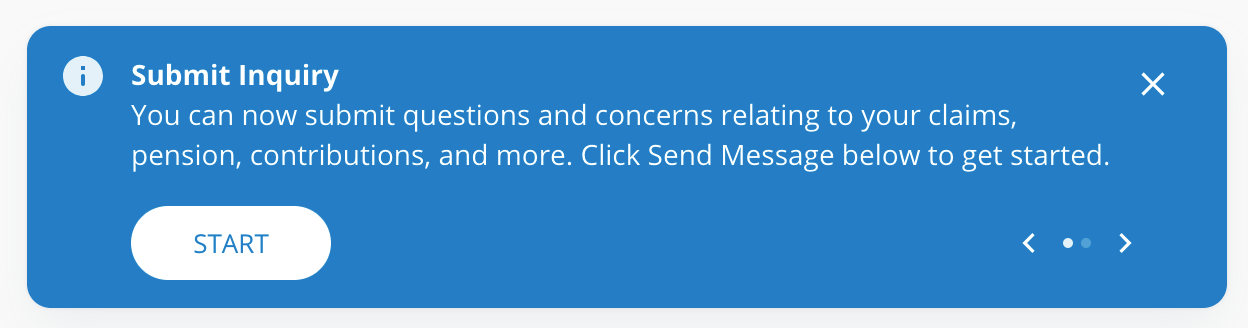
To get to “Submit Inquiry”, you can log in to your MyPlans account on the PWGA website, or use the MyPlans web/mobile app. Once you log in, you will see a blue notice at the bottom of the opening page.
You can also initiate the inquiry process by clicking on the grey envelope icon at the top right of the main MyPlans page.

The other way to initiate the process is to click on “Contact Us” from the menu on the bottom left side of the main page.
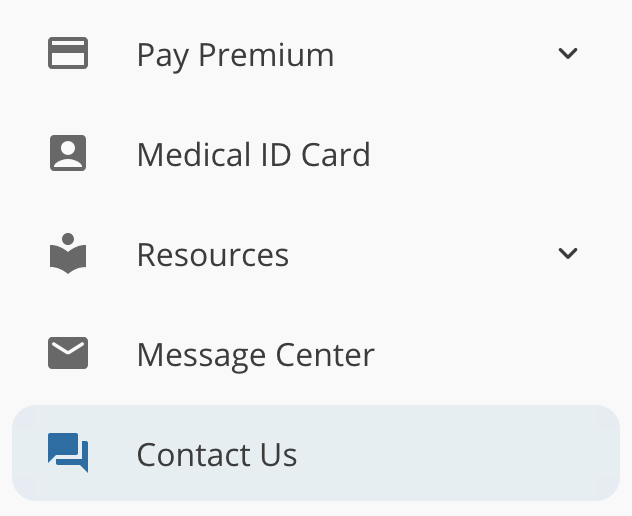
And then click on “SUBMIT INQUIRY” which appears after you click on “Contact Us”.

How The Process Works
Once you click on “SUBMIT INQUIRY” you will be presented with a screen where you can input information about the issue for which you need help. Only instead of guessing the right department or whom to email, the Submit Inquiry software helps you determine where to go and helps you quickly get your information to the appropriate person. The initial menu you will see after clicking “SUBMIT INQUIRY” looks like this.
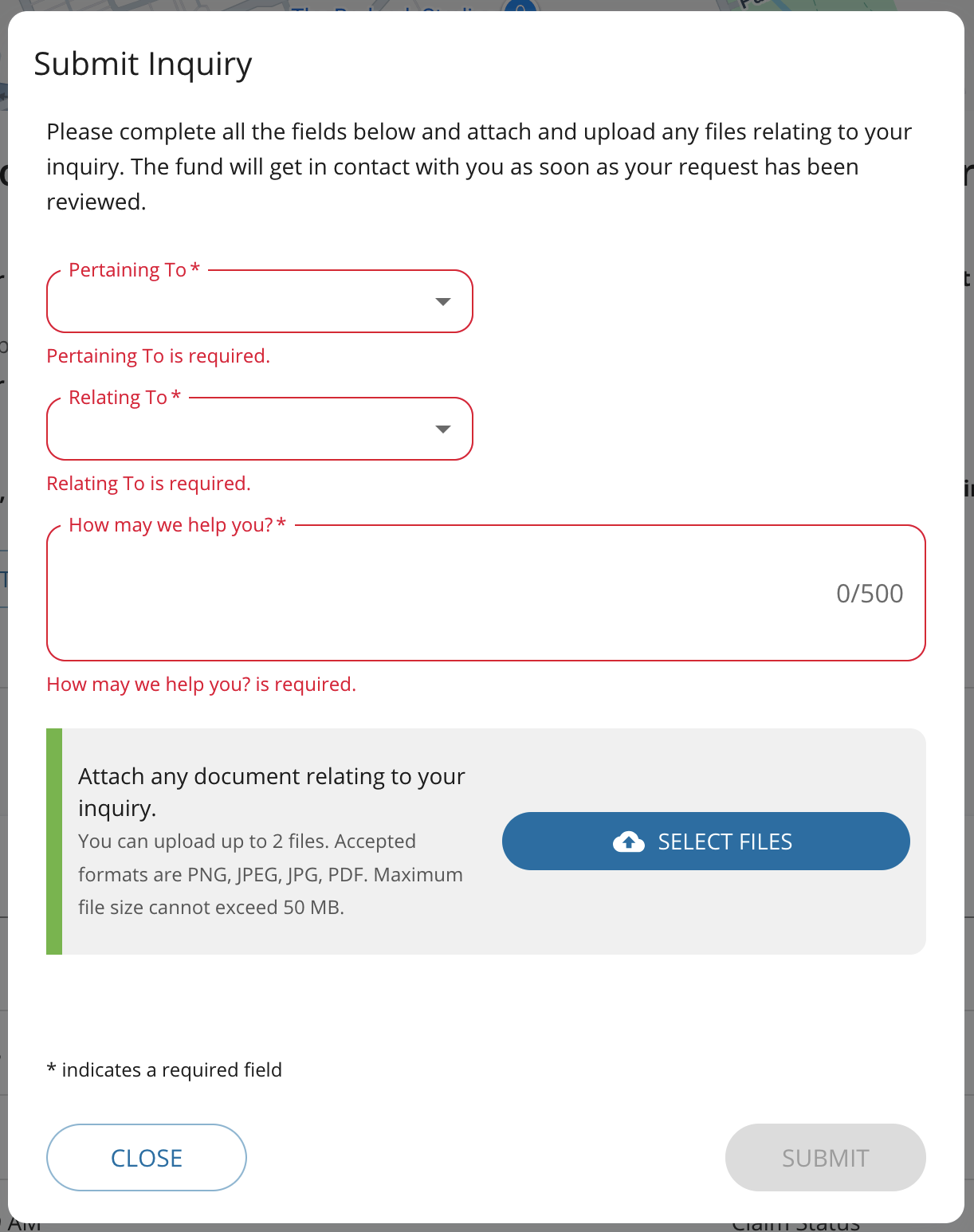
The first thing you do is click on the “Pertaining To” field. This lets the PWGA know if this issue concerns you or a dependent.
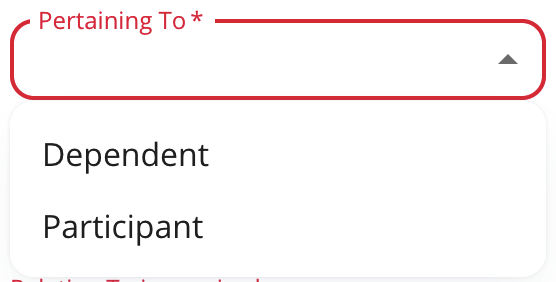
You will then be presented with a menu of options about what you need help with.
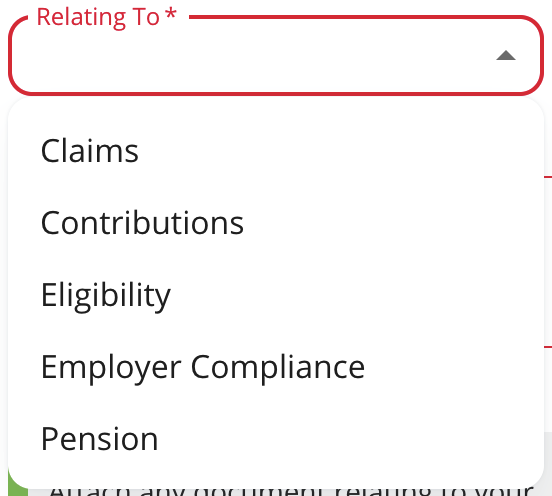
Each “Relating To” item contains a series of relevant options. For example, if you choose “Claims” from the “Relating To” field you will be presented with options for that choice.
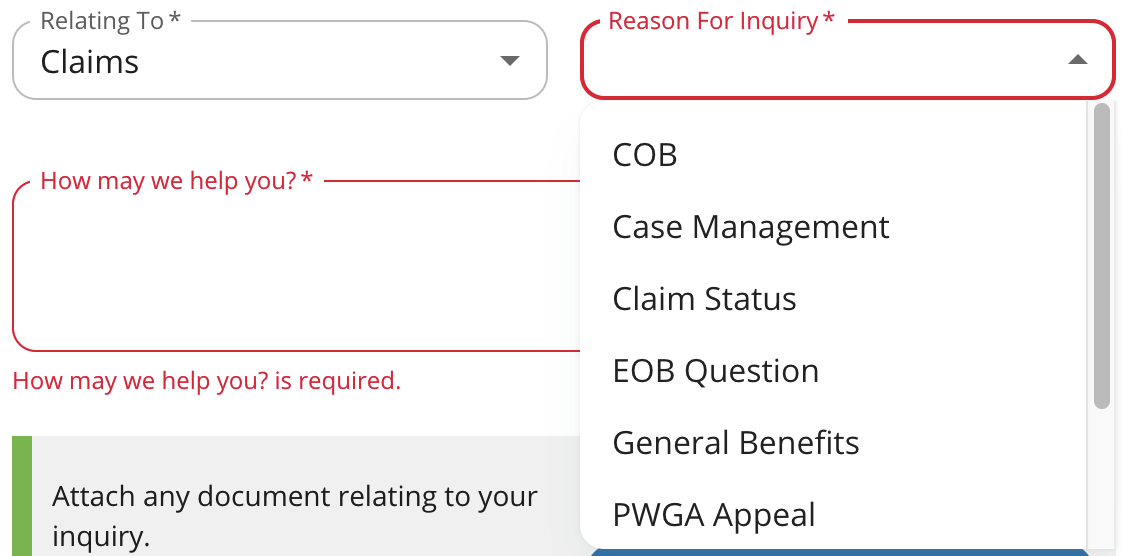
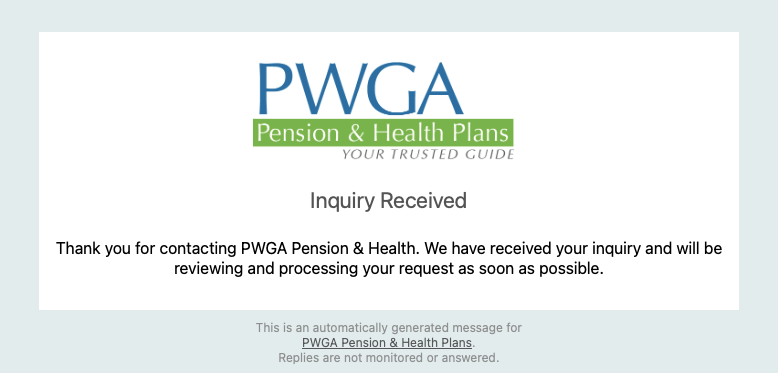
Click on the reason for inquiry from the topics presented (COB, Case Management, etc.) and then fill in the “How May We Help You” field. You have 500 words to explain the issue and you can upload supporting files (up to 2 files) if needed. Shortly after you hit “SUBMIT” you will receive an email notifying you that the issue has gone into the system successfully.
Summary
By using the “Submit Inquiry” process your information will be routed to the most appropriate employee to help you. You guarantee yourself the quickest possible response to your issue(s). And you won’t have to wonder whether or not your information went through, you will receive a notice shortly after you click on “SUBMIT”.
The PWGA works hard to make sure we provide the best service possible. This new communications process is better, faster, and more responsive than anything previously available. We hope you enjoy.
To get started with an Inquiry, you can just head over to our Contact Us page as well.